01 — The canvas
Open it.Design.
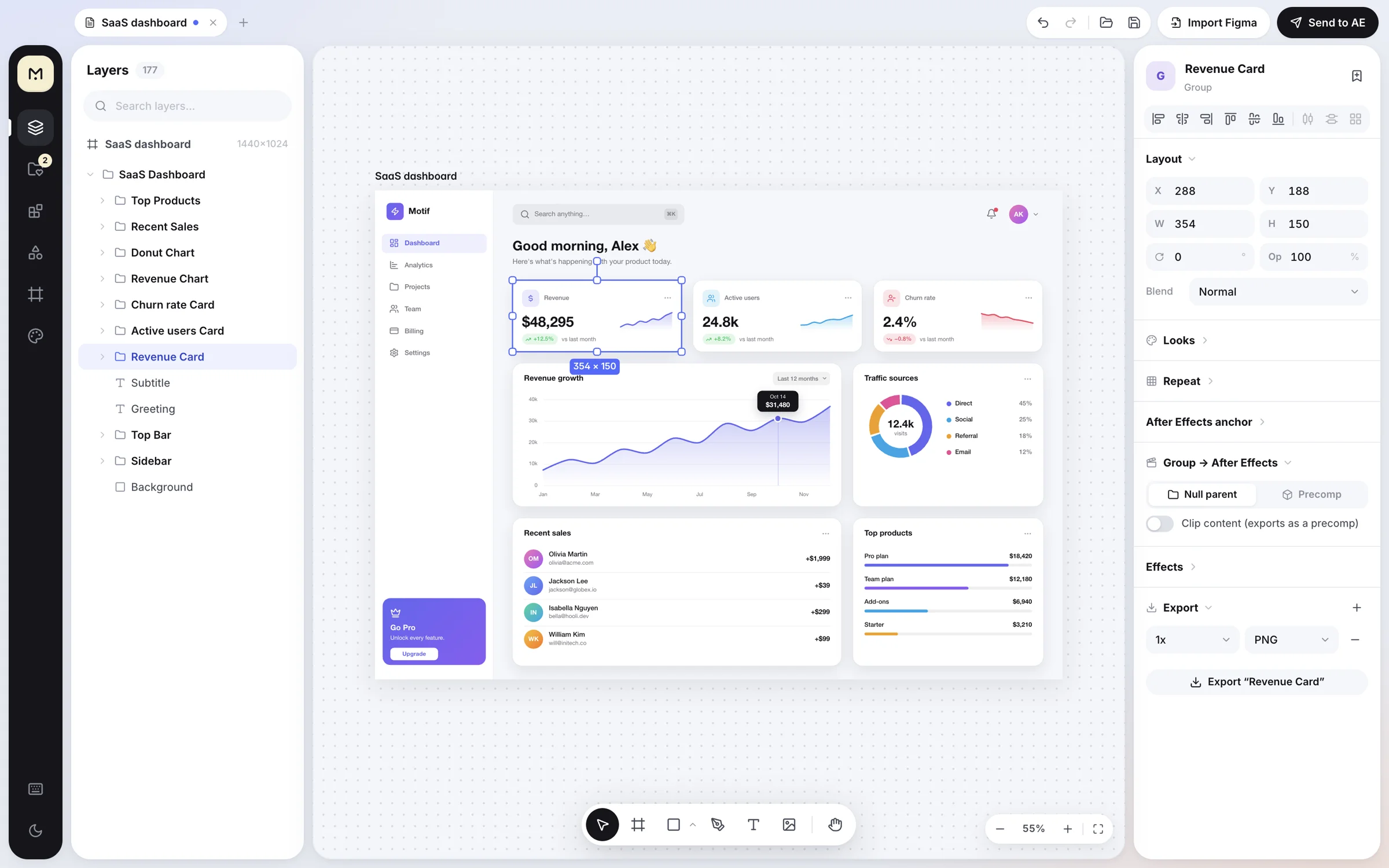
Pen with full point editing, frames, booleans, masks, a UI kit with 137 blocks and over 7,000 icons. Everything you need to build UI for a video. Nothing you don't.
Free for Mac & Windows · v0.6.0
A design canvas built for motion designers. Make your UI, press ⌘E, and it lands in After Effects as a clean composition, every layer named.
01 — The canvas
Pen with full point editing, frames, booleans, masks, a UI kit with 137 blocks and over 7,000 icons. Everything you need to build UI for a video. Nothing you don't.
02 — Feels familiar
03 — Your theme
Switch any time with ⌥⌘T. Kit blocks adapt to light or dark artboards on their own.
04 — One click
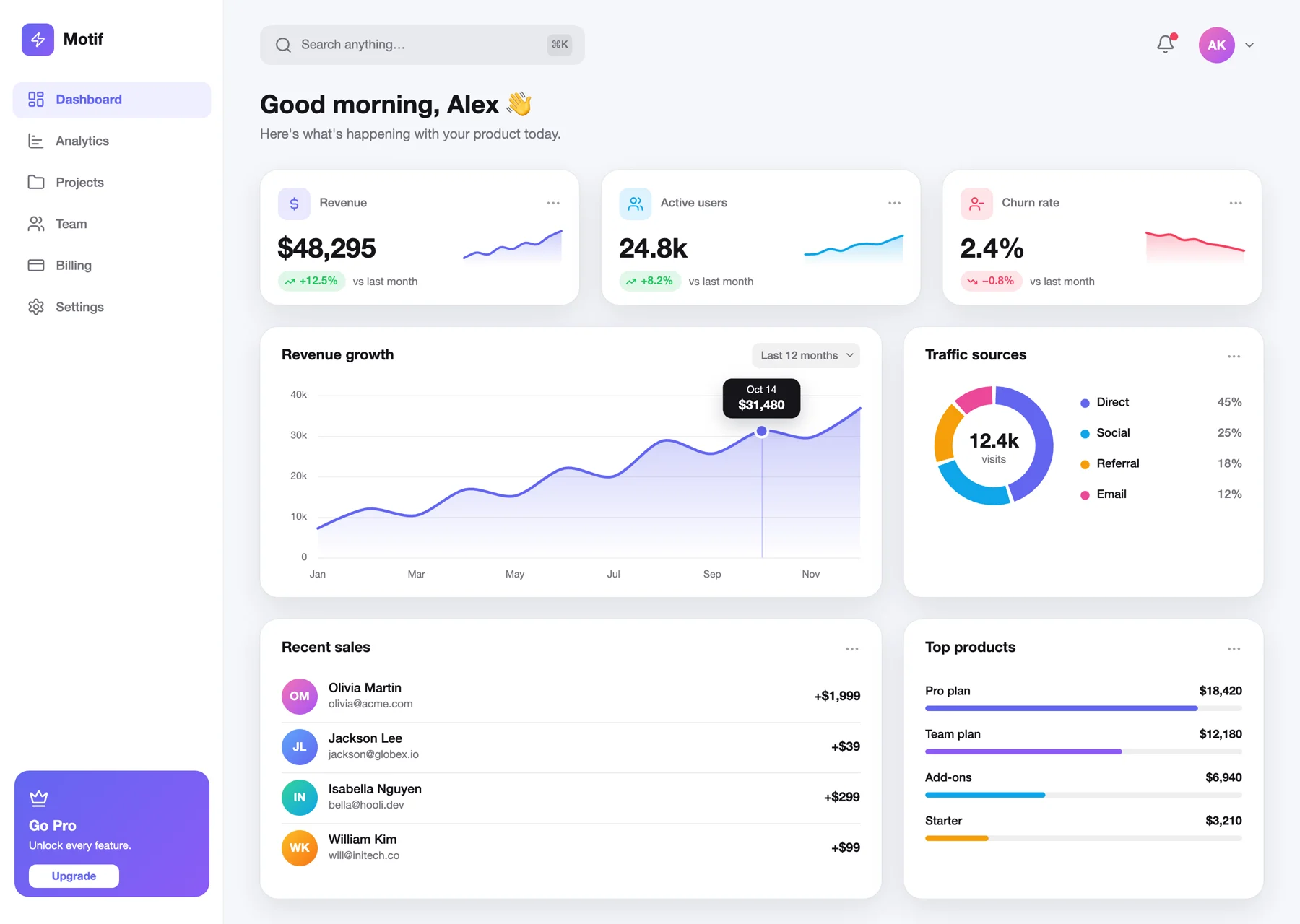
Real layer list from the exporter. Floating dashboard template.
The problem
Rebuilding a UI by hand in After Effects eats hours before the first keyframe. Motif skips that part. Text stays live text. Shapes stay shape layers. Groups become nulls or precomps. Every layer keeps the name you gave it.
 Motif → AE
What lands in After Effects
Editable text with the right font, size, tracking and leading. Not a flattened picture.
Rectangles, ellipses, stars and pen paths become real shape layers with fills, strokes and gradients.
Choose per group, or switch everything to nulls or precomps in the Send dialog.
Pen paths arrive as editable AE paths, ready for Trim Paths and path animation.
Mask groups become track mattes. Clipped frames become precomps, with rounded corners kept.
Union, subtract, intersect and exclude come through as one shape layer with Merge Paths.
Everything in the box
Add, delete, corner ↔ smooth, break handles. Every path goes to AE as a bezier path.
Open a .fig file or paste a Figma link, then pick which frames to bring in.
Union, subtract, intersect, exclude. ⌥⇧U and friends.
Glass, dark glass, neon glow, floating card, dreamy blur. One click each.
Title & action safe, thirds, and three vertical-video UI zones. Press ⇧G.
Brightness, contrast, saturation, hue and duotone, plus 9 looks. AE gets matching effects.
Save anything, sort it into folders, reuse it anywhere, share it as a .motiflib file.
Video, social and device presets. Each artboard becomes its own AE composition.
UI Kit
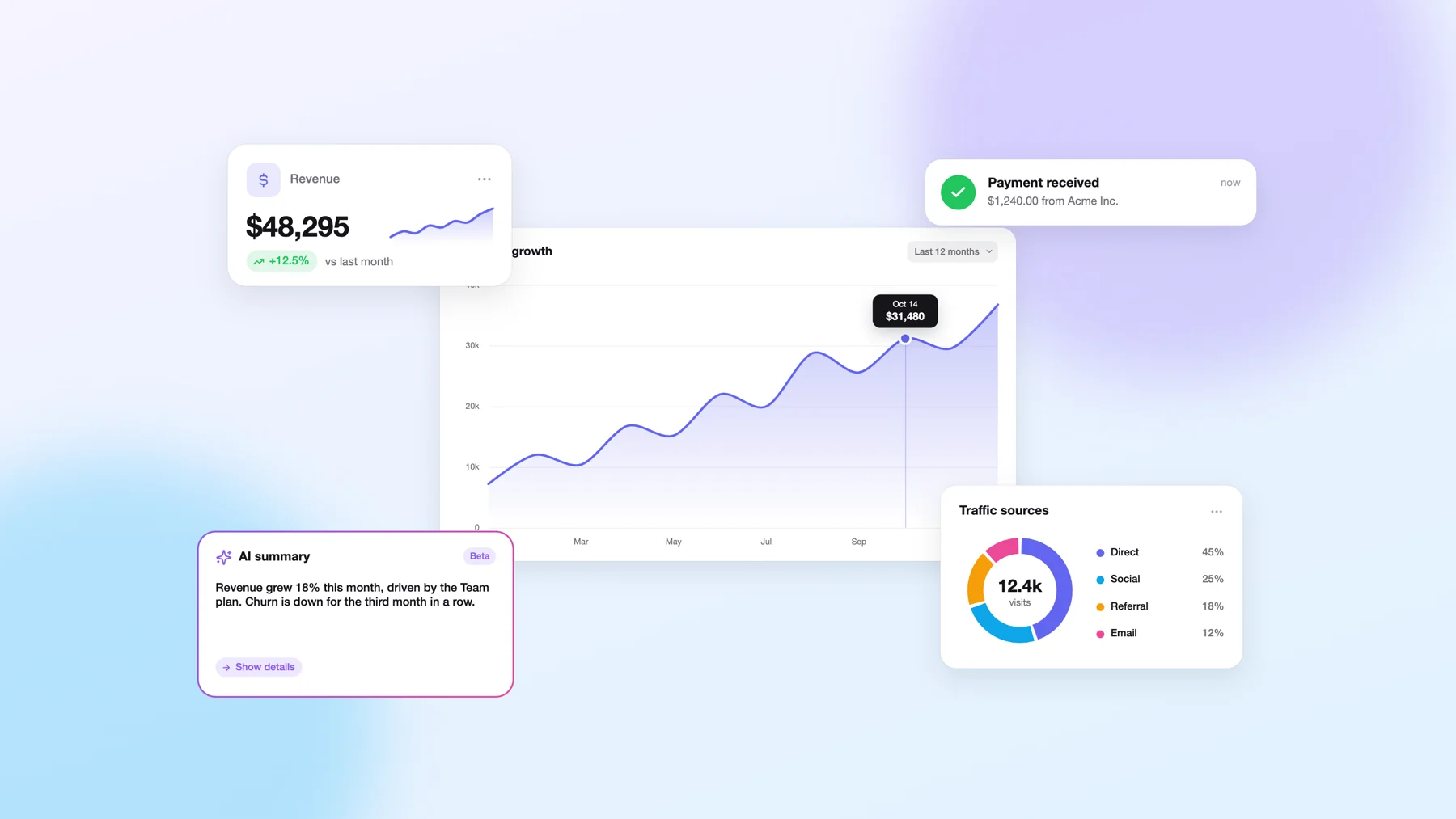
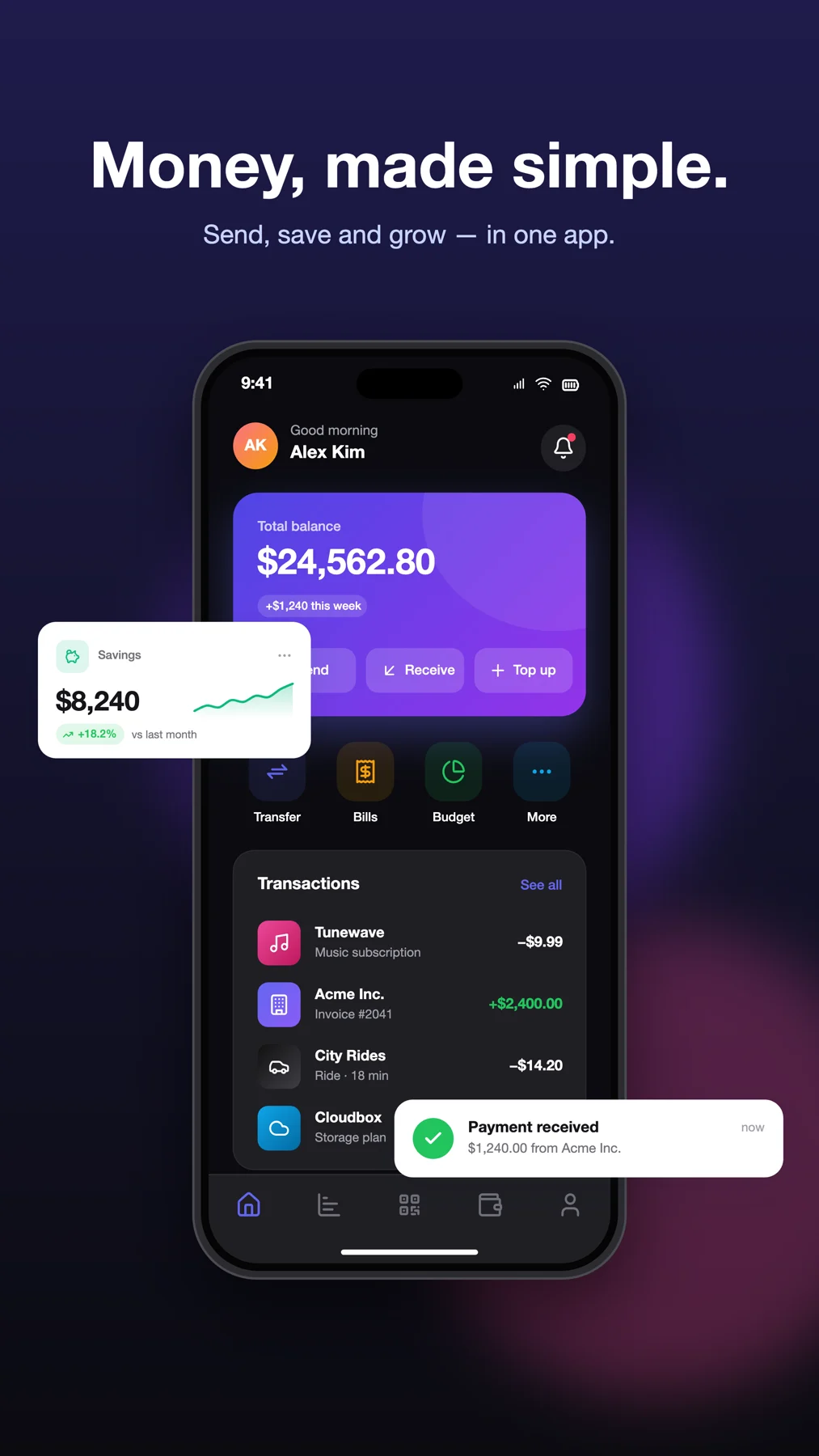
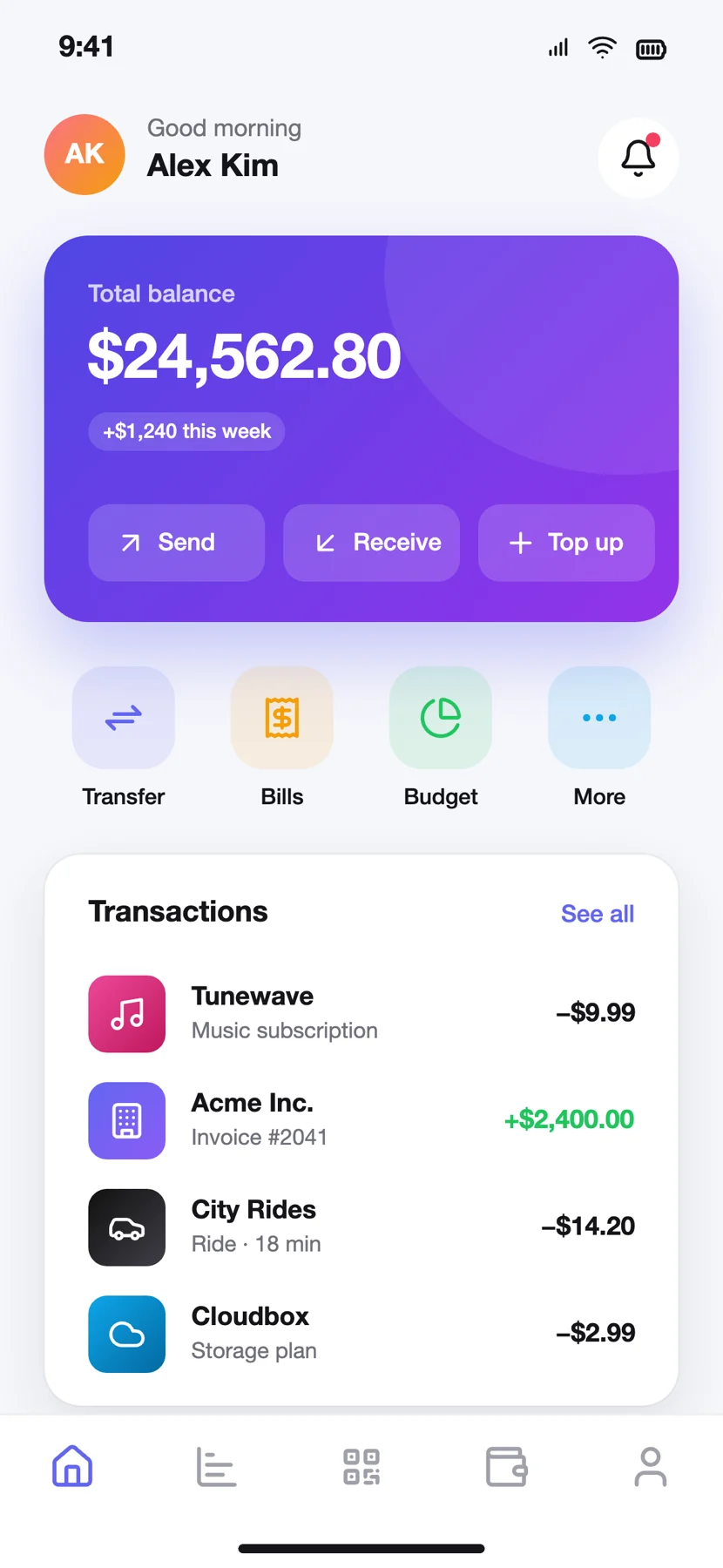
KPI cards, charts, toasts, chat, AI prompts, fintech and devices. Every block adapts to light or dark artboards.
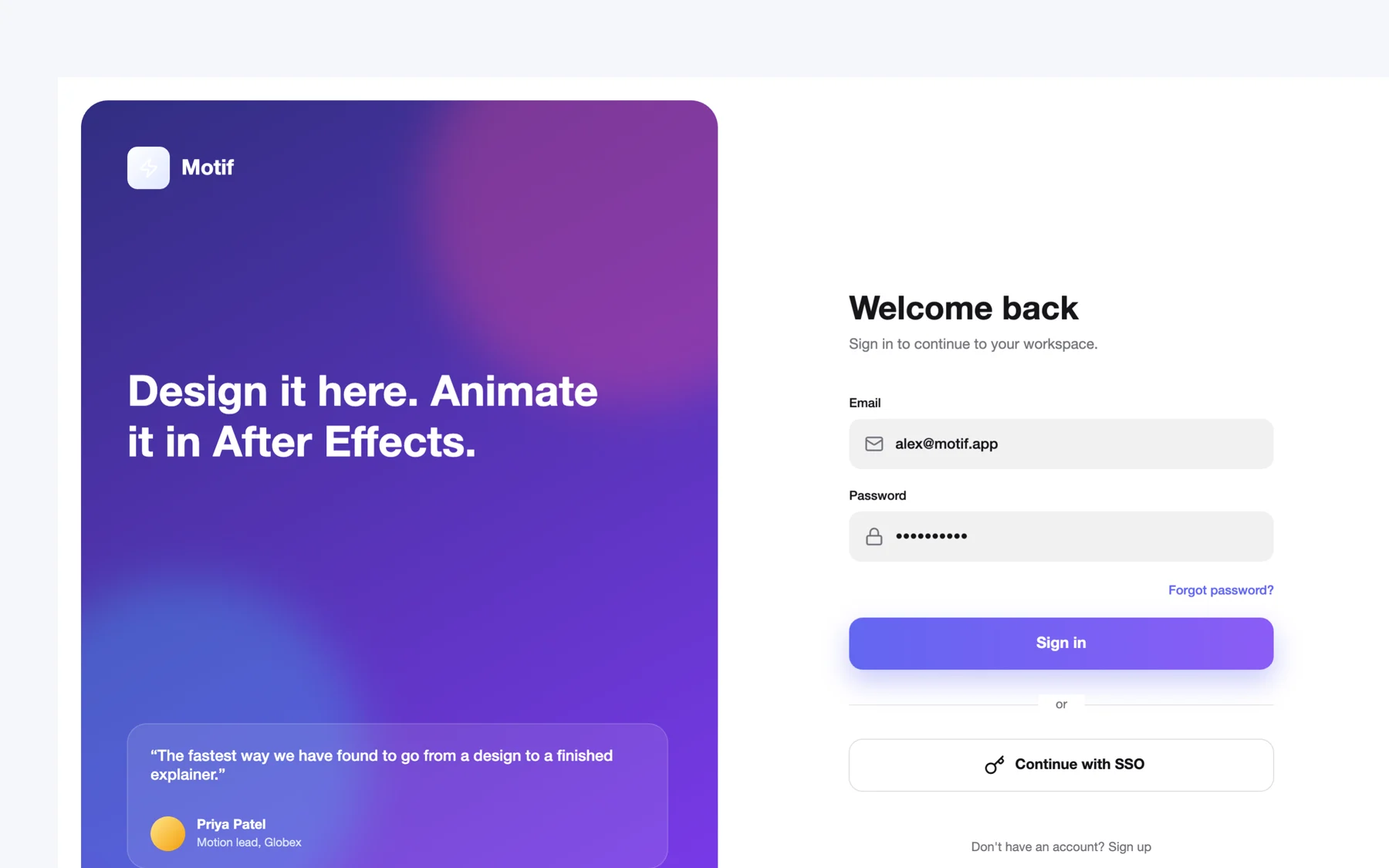
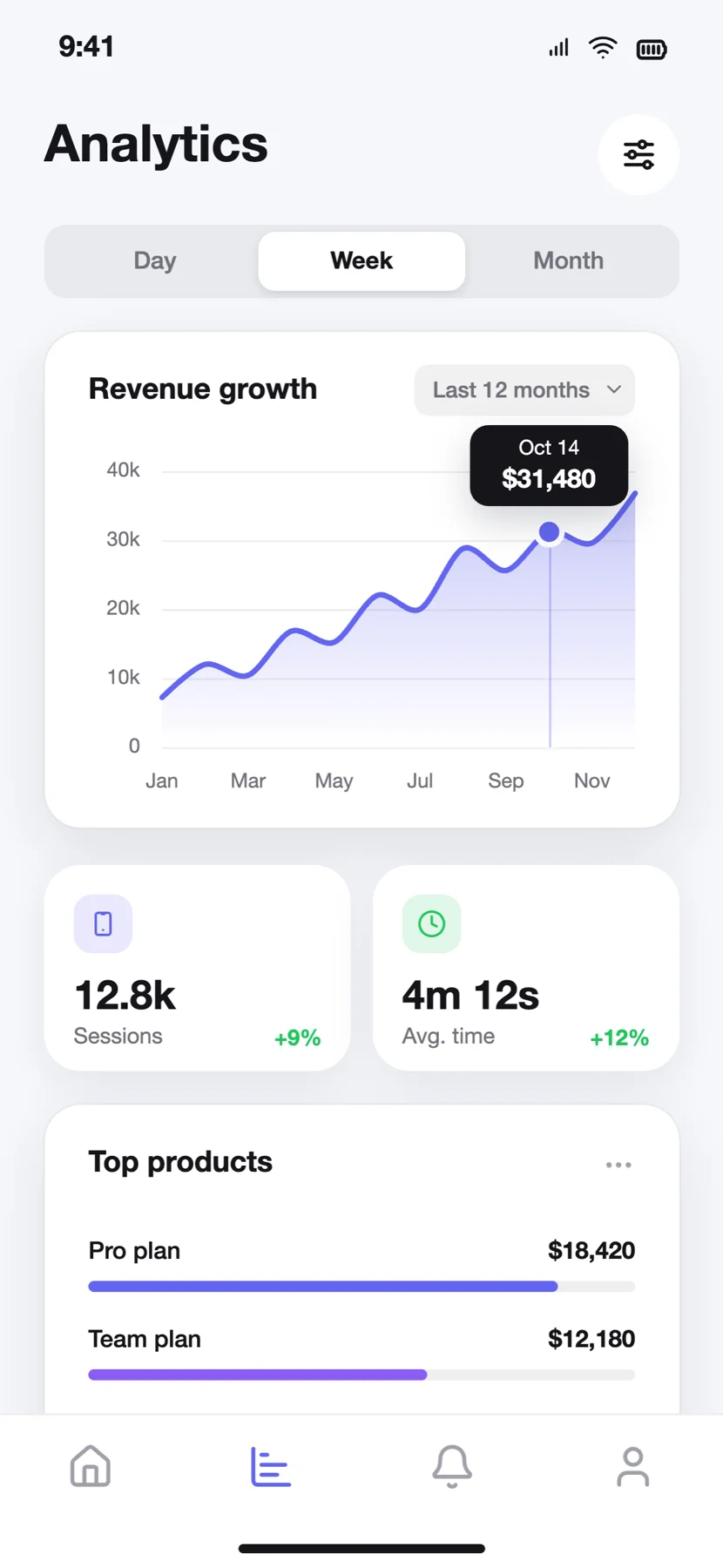
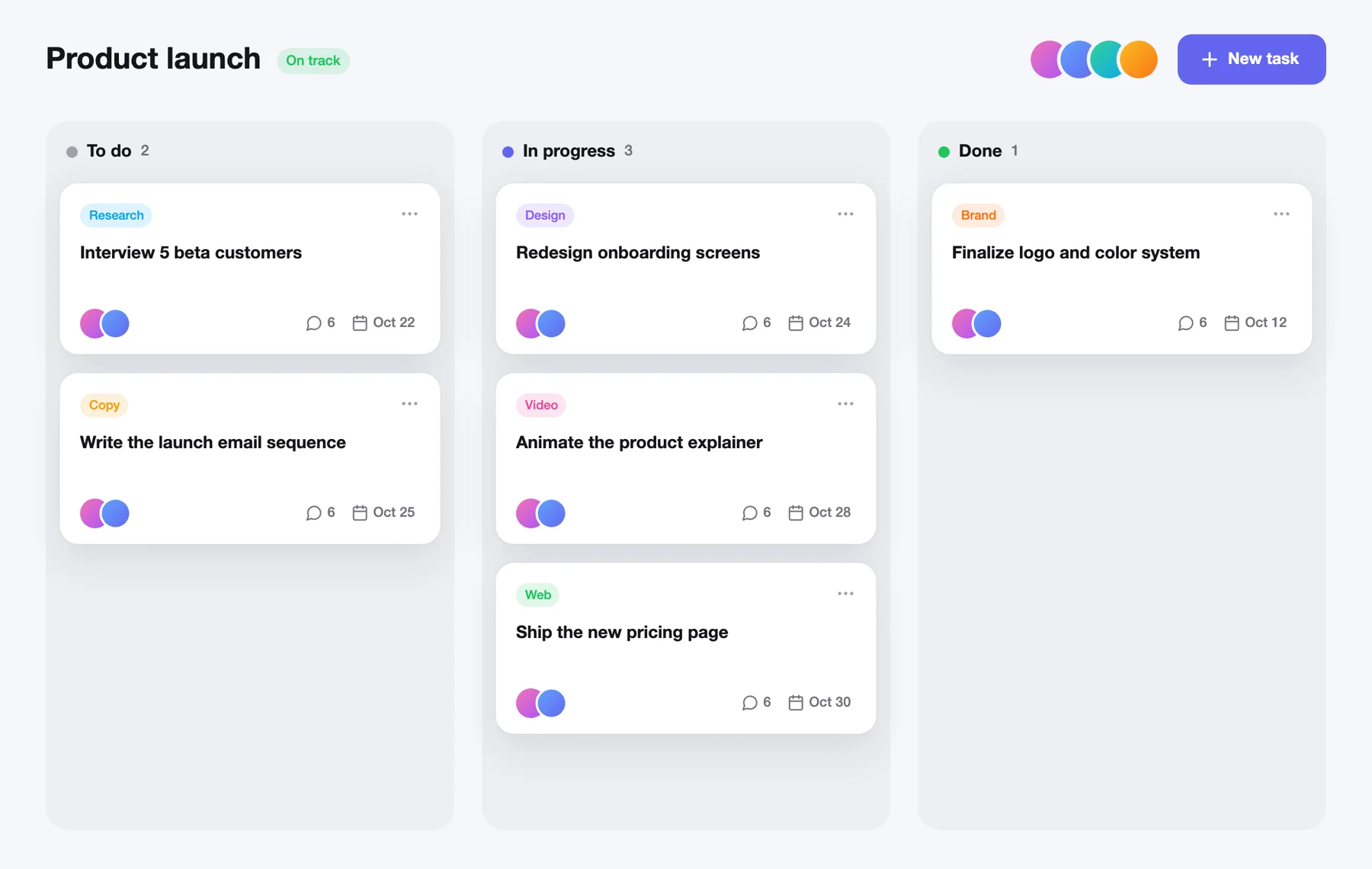
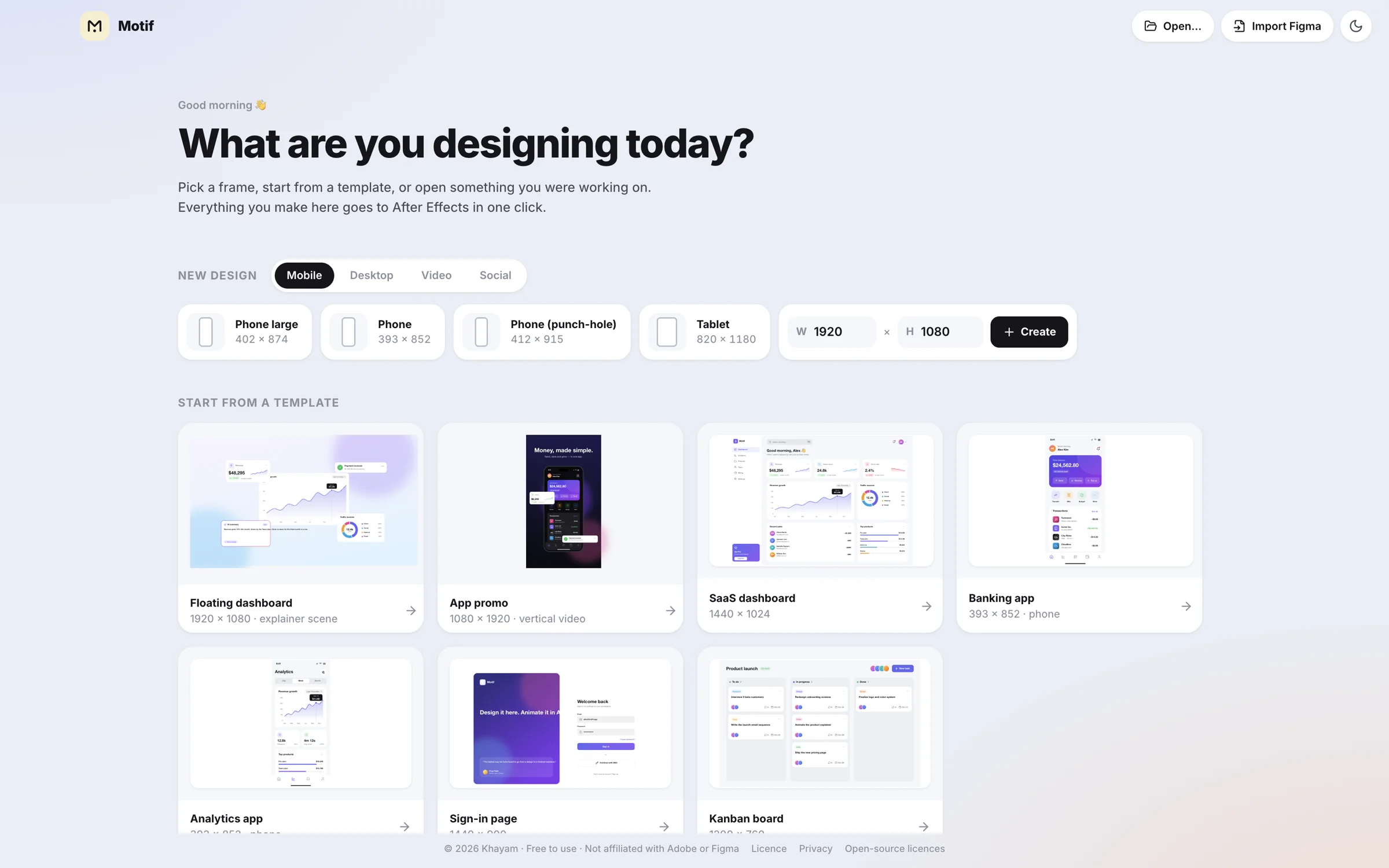
Start from a template
Open Motif
Keyboard first
Press ? in the app for the full list. On Windows, ⌘ is Ctrl and ⌥ is Alt.
Download
Version 0.6.0 · released 20 October 2026
Universal · Apple silicon & Intel · macOS 12 or later
Download .dmg · 240 MBSHA-256
64-bit (x64) · Windows 10 & 11
Download installer · 118 MBThe Windows build is new. If sending to After Effects misbehaves on your PC, tell me and I'll fix it.
SHA-256
Needs Adobe After Effects installed to send designs (mask track mattes need AE 2023 or newer). Designing, Figma import and image export work without it.
I'm a motion designer. I built Motif because rebuilding UI in After Effects, layer by layer, was the slowest part of every project. Now I design it once, press one key, and start animating. It's free because it should be.
Questions
Yes. No trial, no subscription, no account. Use it for personal and commercial work. Your designs belong to you.
Motif is tested with After Effects 2026. Mask groups use track mattes, which need After Effects 2023 or newer. In After Effects, turn on Preferences → Scripting & Expressions → Allow Scripts to Write Files and Access Network so images import without a prompt.
Motif isn't sold through Apple, so it isn't notarised. macOS asks you to confirm once (see the steps under Download). After that it opens like any other app.
Yes. In Figma use File → Save local copy… and open the .fig file in Motif (works offline), or paste a Figma link with your own personal access token. Pick which frames to import.
No, on purpose. Motif is where you design. After Effects is where you animate. Motif makes the hand-off clean so you can get to keyframes fast.
It works fully offline and collects nothing. The only network connection is the optional Figma-link import, which goes straight from your computer to Figma. Privacy policy.
A few honest limits: boolean shapes have no stroke yet, After Effects gradients use the first and last colour only, and very large Inter text can render about 5% wider in AE than on the canvas. Figma text with mixed styles imports with the base style.
macOS 12+ · Windows 10 & 11 · No account